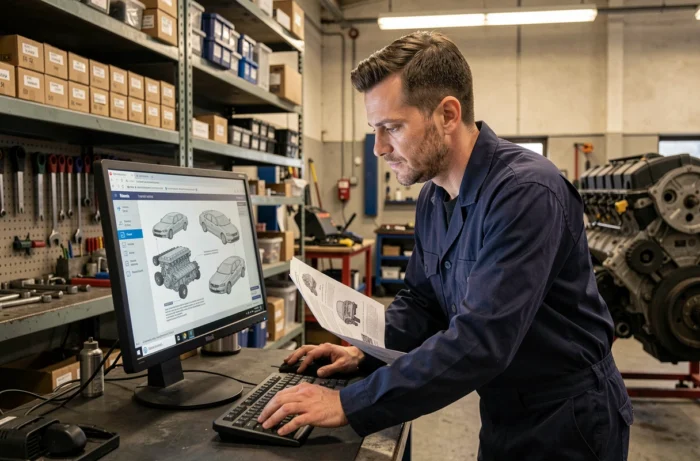
Dialogys is the historical technical documentation software for Renault. Since the end of its last locally installable version (version 4.90, late 2019), the platform has migrated to a web interface called New Dialogys. This online portal covers Renault, Dacia, and Alpine vehicles and allows access to parts catalogs, technical diagrams, and repair manuals without installing anything on a workstation.
Finding an exact part reference remains a delicate exercise, even with a manufacturer tool. Wrong model year, ignored equipment variant, confusion between original parts and aftermarket parts: ordering errors are common. Understanding how New Dialogys works and its limitations helps reduce this risk.
Logging into New Dialogys: two profiles, two distinct paths
The official login page for New Dialogys clearly distinguishes between Renault Group users (network employees, authorized agents) and external users (independent garages, body shops, fleets). Each profile has its own authentication button, which determines the level of access to the documentation.
Professionals in the Renault network have access to all data: parts catalogs, repair methods, electrical diagrams, and standard times. External users have a more limited scope, the exact contours of which depend on the type of subscription taken. An individual with no ties to a professional network cannot, in principle, create an account.
For those looking to identify a part without having professional access, the online Renault Dialogys software provides detailed explanations on search methods by VIN and license plate, even for non-experts.
Searching for Renault spare parts by VIN: why it’s the starting point
The old Dialogys required manual navigation through trees by model, engine variant, and then model year. The slightest selection error led to an unsuitable part reference. New Dialogys changes this logic by placing the VIN as the main search filter.
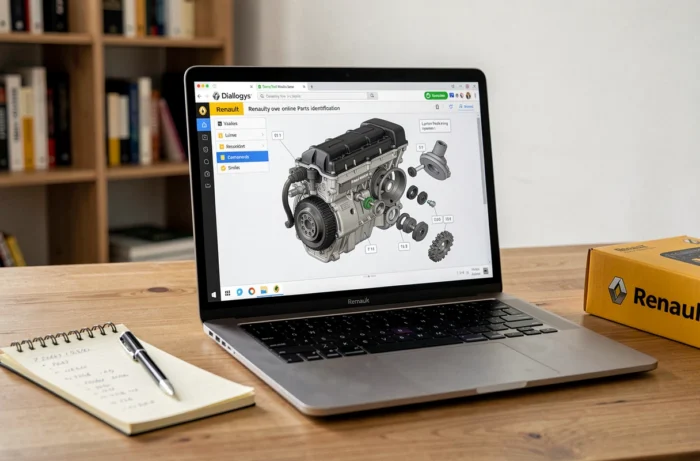
The VIN (Vehicle Identification Number), composed of 17 characters, encodes the model, engine type, equipment level, and manufacturing plant. By entering this number, the platform automatically filters the catalog to display only parts compatible with the vehicle in question. The search by license plate is also available and yields the same result, as the plate is converted to VIN on the server side.
This filtering eliminates much of the confusion related to variants. On a Renault Scénic produced over several years with different engines and trim levels, the same body part or sensor may exist in multiple references. The VIN clarifies.
The limitations of VIN filtering
The VIN does not solve everything. Some wear parts (brake pads, discs) may have been replaced with updated references after the vehicle’s production. New Dialogys generally displays the original manufacturer reference, but supersessions (reference replacements) are not always visible to external users. A network professional sees these updates, but not necessarily an independent.
Field feedback varies on this point: some independent garages report that supersessions display correctly, while others find gaps on older vehicles. The subscription level seems to play a role, without Renault providing a clear grid on this matter.
RPartStore: the catalog supplement that Dialogys alone does not cover
Renault has simultaneously developed a portal called RPartStore, which takes a different approach to parts searching. While New Dialogys remains a technical documentation tool (diagrams, exploded views, manufacturer references), RPartStore functions as an online commercial catalog.
Searching is done by registration, VIN, or make/model pair, with an interface closer to an e-commerce site than to technical software. The results are not limited to original Renault parts:
- Parts from the Motrio range (Renault Group’s aftermarket brand, positioned on the multi-brand market) appear in the results
- References from third-party suppliers are offered as alternatives, often at a lower price than the original part
- Tools and accessories complement the catalog, making it a one-stop entry point for a workshop
For an independent garage looking to identify a part and then compare purchasing options, the combination of New Dialogys (technical identification) and RPartStore (ordering and alternatives) covers a broader spectrum than Dialogys alone.
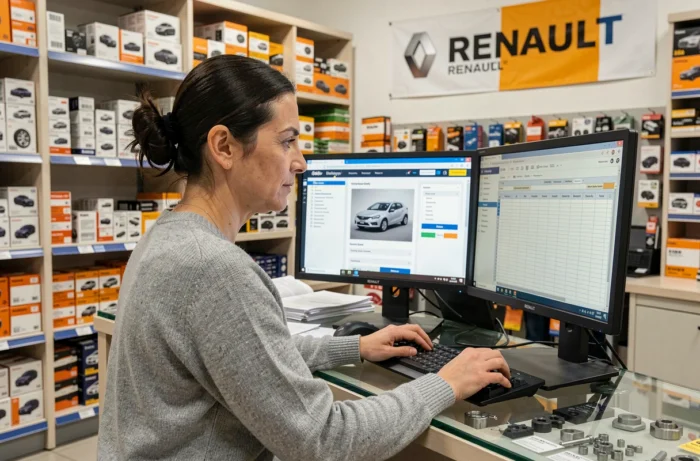
Renault technical documentation on New Dialogys: what is actually accessible
Beyond the parts catalog, New Dialogys provides access to several types of technical documents. The nature and depth of this documentation vary depending on the connected profile.
- Repair manuals detail step-by-step procedures, with illustrations and torque specifications
- Electrical diagrams cover the complete wiring of the vehicle, which remains necessary for diagnosing electronic faults
- Standard times (theoretical duration of an operation) serve as a basis for billing in the authorized network
- Technical notes and manufacturer recalls are integrated into the vehicle file identified by VIN
The integration of New Dialogys into the Renault ASOS portal (After Sales Online System) allows network users to move from diagnosis to documentation without re-authentication. A technician who identifies a fault code via the manufacturer diagnostic tool can switch to the corresponding repair method in New Dialogys without re-entering the VIN.
Access for individuals
A Renault owner wishing to consult the technical documentation for their vehicle does not have direct access to New Dialogys. The available data do not confirm the existence of a public offering to date. Excerpts circulate on forums and third-party sites, but the reliability of these unsourced documents remains uncertain, especially for recent vehicles whose technical updates are frequent.
For an individual, the most reliable approach remains to ask a professional with Dialogys access to verify the part reference from the vehicle’s VIN. This verification takes a few minutes and avoids ordering errors on parts that may be refused for return once unwrapped.